Try Hop Hop Hop AI for Free
Last updated:
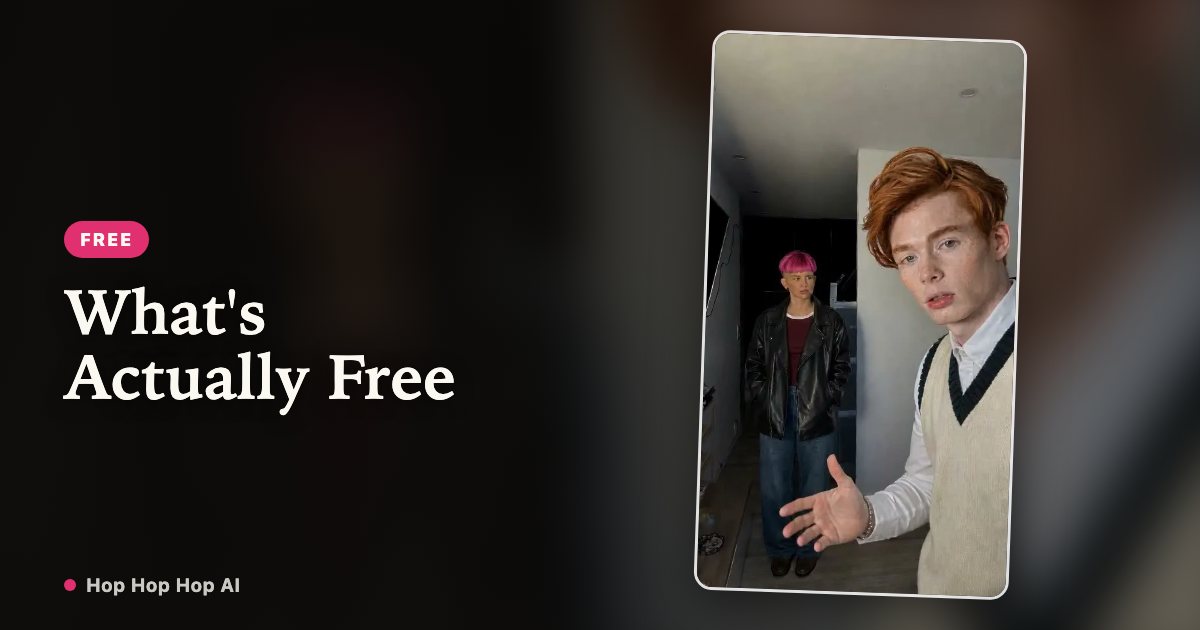
You can look around, watch the routine and set up an account without paying anything. Rendering a video is the part that costs credits. Here is exactly where that line sits, with no fine print.
See the Hop Hop Hop routine in action
Is Hop Hop Hop AI free?
The short answer: the site is free to use until you press generate. Watching the reference clip, browsing the examples, reading every guide and creating an account cost nothing. Signing in uses your Google account.
A finished video does cost credits. One second of video costs one credit, and new accounts start with a zero balance — we do not hand out a signup bonus. We would rather say that plainly than make you hunt for a free trial that is not there.
What you can do for free
Everything up to the render is free. None of the items below needs a card, and none of them starts a subscription.
| Free right now | What you get |
|---|---|
| Watch the reference clip | See the three hops, the palm squash and the hard cut before you decide |
| Browse video examples | Compare what two photos produce at 6, 12 and 18 seconds |
| Read every guide | Photo tips, duo editing, sound, face consistency and the full cost breakdown |
| Create an account | Google sign-in, no signup fee and no card details |
| Check the exact price | Each pack shows its credits and how many clips it makes before you pay |
| Earn referral credits | Invite a friend; the current reward is shown in your account |
How to start without paying
1. Watch the clip above and the examples page to see the fixed-camera shot and the cut. Decide whether that one template is what you want.
2. Create a free account with Google. No payment details are collected at this step.
3. Pick one photo of each person and a length. The generator shows the credit cost before anything is charged; when you are ready, buy a pack or subscribe.
Free preview vs full video
There is no watermarked free preview and no short free render. Every video the generator makes is a full MP4 that uses credits: 6, 12 or 18 seconds at one credit per second.
The file you get is the same whether you bought the smallest pack or the largest one: vertical 9:16 MP4, no visible watermark, no bundled music, and an AI-generated label in the file metadata. Sound is added later, in the app where you post.
| Free preview | Full video | |
|---|---|---|
| Available | No | Yes, after buying credits |
| Length | — | 6 / 12 / 18 seconds |
| Credits used | 0 | 6 / 12 / 18 |
| Downloadable MP4 | — | Yes, no watermark |
| Trend sound included | — | No, add your own |
Do you need to sign up?
Reading, watching and comparing prices do not need an account. Uploading photos and starting a render do: the upload endpoint requires a signed-in user, which is also how finished videos stay tied to your account and private to you.
There is no password to remember, and we never see or store your card number — payments are handled by our payment partner.
Does the free video have a watermark?
There is no free video to put a watermark on. Paid downloads have no visible watermark either, so nothing is held back behind an upgrade to remove one.
The file does carry machine-readable AI provenance metadata, and the platform where you post may add its own AI label. Those are disclosure markers, not a mark over the picture. Keep them on the clip.
FAQ
Is Hop Hop Hop AI completely free?
No. Browsing, watching examples, reading guides and signing up are free. Rendering a video requires credits, and new accounts start at zero credits.
Can I try it without signing up?
You can watch the reference clip, read the guides and see the prices without an account. Uploading photos or starting a render needs a Google sign-in.
Do I need a credit card?
No card is needed to create an account or look around. Card details are only entered at checkout if you buy a credit pack or a subscription, and they go to our payment partner.
How long is the free preview?
There is no free preview at the moment. Every render is a full 6, 12 or 18 second video and uses credits.
Can I download the free video?
There is no free video file to download. Paid renders download as a 9:16 MP4 with no visible watermark.
What happens after the free preview?
Since there is no preview, the step after signing in is choosing a length and buying credits. Finished videos stay in My videos for 30 days.
Two photos, and the two of you are in it
Create my video