How to make a Hop Hop Hop AI video
Last updated:
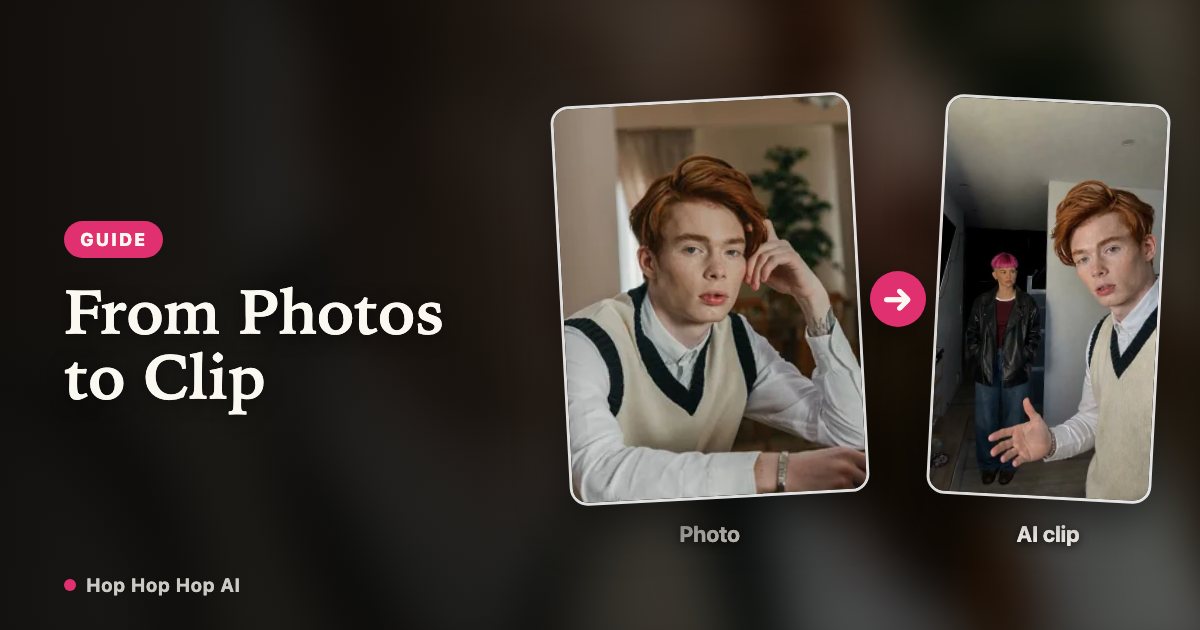
A Hop Hop Hop AI video takes two photos and a few minutes. Here is the full process, plus the small choices that make the hops and the cut read clearly.
See the Hop Hop Hop routine in action
1. Pick one photo of each person
You need two photos, one adult in each: the person who points at the camera and the person who gets squished. Both should face the camera in even light. The routine includes a pointing gesture and a palm pressed toward the background, so a chest-up or waist-up shot gives the model more to work with than a tight face crop. Skip sunglasses, heavy beauty filters and group shots.
2. Upload and choose a length
Sign in, drop the first photo into the near slot and the second into the hallway slot (⇄ swaps them), then pick a length. Six seconds is the tight hook — three hops and a cut. Longer lengths give the routine room to repeat. One credit covers one second of video.
| Length | Credits |
|---|---|
| 6 seconds | 6 |
| 12 seconds | 12 |
| 18 seconds | 18 |
3. Confirm consent and generate
Tick the consent box to confirm both photos are yours, or that you have permission from the other person, then start the render. You can leave the page while it works.
4. Check the cut before you post
Watch the whole clip, especially the moment the framing switches: check that the face, hair and outfit stay the same on both sides of the cut. Download the MP4, add a sound you have the right to use in your editing app or platform, and keep the AI-generated label on the post.
Get the swap right
The hard cut is where the trend lands, so check that both people stay recognisable on either side of it: face, hair and outfit should match the photos you uploaded. Outfits that read differently at a glance — one light top, one dark top — make the swap obvious even on a phone screen.
FAQ
How long does a Hop Hop Hop AI video take to make?
Most videos finish in 2–8 minutes depending on length and queue. You can close the page while it renders; finished videos wait in My videos.
How many credits does a video cost?
Each second of video costs one credit, so 6 seconds is 6 credits, 12 seconds is 12 credits, 18 seconds is 18 credits. Credits are refunded automatically if a render fails.
Which photos give the best result?
Two recent, sharp photos, one adult in each, both facing the camera in even light with the head, shoulders and arms visible. Avoid sunglasses, face-covering hats and beauty filters.
Does the download include the trend sound?
No. We do not include licensed music with the file. Add a sound you are allowed to use when you post.
Two photos, and the two of you are in it
Create my video