Hop Hop Hop AI Video Examples
Last updated:
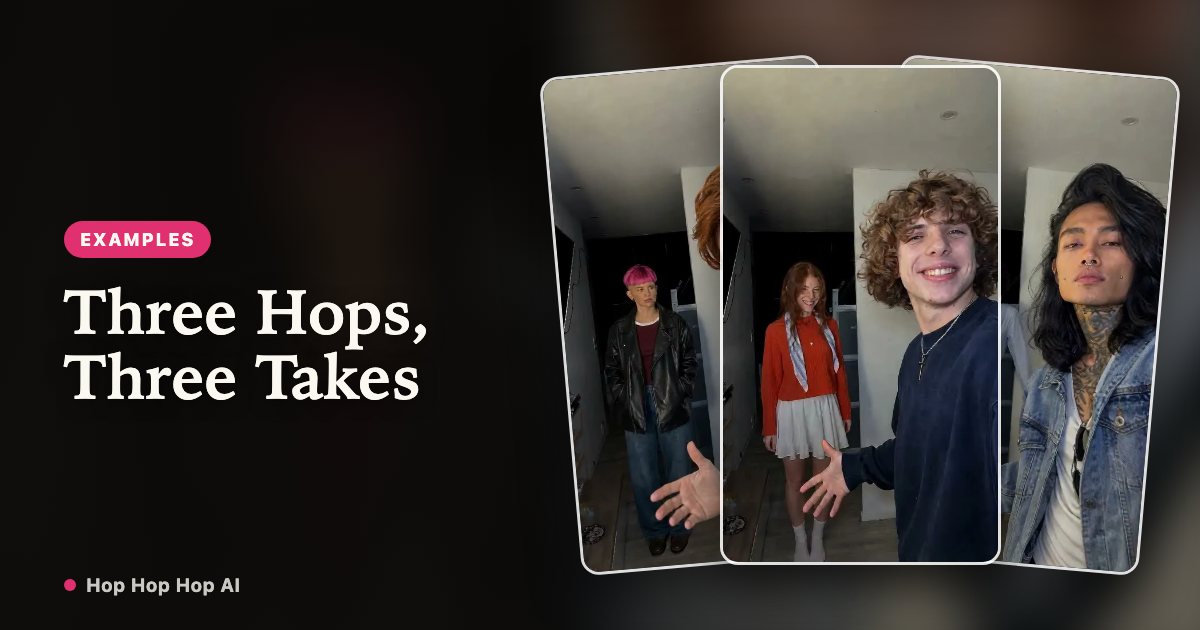
Every clip described here uses the same template: two photos of two people go into the hallway routine with the fixed camera, the three hops, the palm squash and the hard cut that swaps who is in front. The only variables are the photos and the length. The samples on this page are real renders from this generator, made from Pexels stock photos.
See the Hop Hop Hop routine in action
One pair, one clip
One photo of each of you — one at the camera, one down the hallway — becomes a 6-second vertical clip: three hops, a pointing gesture, the palm-down squash and the cut that swaps you. This is the shortest, cheapest render and the easiest one to loop or use as a reaction clip.
Swapping who squishes first
The ⇄ button swaps the two photos, which decides who stands at the camera in the first half. Same credits, same length: flip it if you would rather be the one doing the squishing.
It also helps when the two of you look different at a glance — different tops or silhouettes — because the hard cut only reads if viewers can tell who moved.
Best friends example
Ask before using a friend’s photo, then upload one each. The render puts both of you in the same hallway, so the joke lands without either of you filming a take.
Couple example
The same two photos work for a couple. We only accept photos of consenting adults: no minors, no celebrities and no public figures. If you cannot get clear permission, you can still swap in two photos of yourself in different outfits.
Different lengths, same template
There is one template, and the other thing you can change is the length. Longer clips give the routine room to repeat; the credit cost is always one per second.
| Example | Photos | Template | Length | Credits | What you see |
|---|---|---|---|---|---|
| Duo hook | 2 | Three hops | 6s | 6 | Three hops, a squash and one hard cut |
| Extended duo | 2 | Three hops | 12s | 12 | The routine repeats once |
| Full routine | 2 | Three hops | 18s | 18 | The longest take, both of you in it |
| Swapped roles | 2 (⇄) | Three hops | 6s | 6 | Same clip with you at the camera instead |
Original vs AI generated
The point of the template is to keep the shot recognisable while changing who is in it. This is what carries over and what does not:
| Original trend clip | Hop Hop Hop AI output | |
|---|---|---|
| Camera | Locked off, vertical | Locked off, vertical 9:16 |
| Moves | Three hops, palm squash, hard cut | Same beats from the reference clip |
| Performers | Two people in the frame | Two people from your two photos |
| Sound | A trending audio clip | Silent MP4, add your own sound |
| Watermark | Varies by platform | No visible watermark |
| Provenance | — | Machine-readable AI label in the file |
About these samples
The photos and clips on this page are real outputs of this generator, made from Pexels stock photos. They are not user submissions and nobody in them is a customer.
That also means your result depends on your two photos. Sharp, evenly lit shots with the arms in frame read much better than tight, filtered face crops.
FAQ
Are these real customer videos?
No. They are AI renders made with this generator from Pexels stock photos. We do not publish customer uploads as examples without permission.
Can I see my own result before paying?
You can watch the reference clip and the AI sample clips here and on the free page. There is no personalised preview render before credits are spent.
Do I upload two photos in one render?
Yes — one per person, in the same render. The first photo is the person at the camera, the second the person down the hallway.
What format is the output?
A vertical 9:16 MP4 with no visible watermark and no bundled sound, available in My videos for 30 days.
Two photos, and the two of you are in it
Create my video