Hop Hop Hop AI with Two Photos
Last updated:
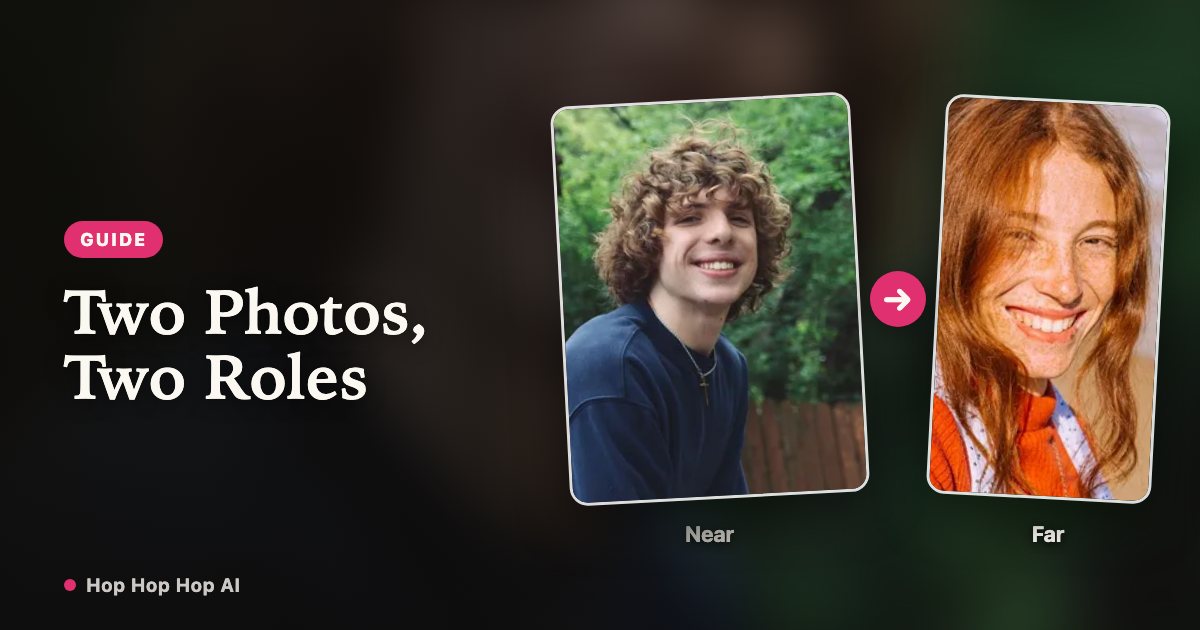
This template runs on two photos, one of each person. Here is what happens to them, how the swap works, and what to check before you spend credits.
Which photo goes where
The first slot is the person at the camera, the second is the person down the hallway. Together they decide the first half of the clip: who points, and who gets squished. Tap ⇄ to swap them before you generate — the credits and the length do not change.
The hard cut in the middle swaps your positions anyway, so the order only decides who squishes first.
What the model keeps
From each photo it keeps the face, hair and outfit of that one person. From the reference clip it keeps the hallway, the locked-off camera, the three hop beats, the palm press and the timing of the cut.
Because the source clip has exactly two people, both slots have to be filled — a second photo is not optional, and three people is not supported.
Photo checklist
Pick two recent, sharp photos, each of one adult facing the camera in even light, with the head, shoulders and arms in frame. The routine uses a pointing gesture, so tight face crops give the model less to work with.
Make the two looks obviously different — contrasting tops, different hair silhouettes, different heights in frame. The whole joke is the swap; if the two people look alike, viewers will not notice the cut.
Consent and likeness
Use your own photo and a photo of someone who clearly agreed, and confirm both people are adults. No minors, and no passing the result off as a real video of someone who did not agree to it.
We store the consent confirmation with the job and delete the uploads after the retention window; the person in the second photo can ask us to remove a video at any time.
Common mistakes
Three things account for most disappointing renders. All of them are fixable before you spend another credit.
| Problem | Why it happens | Fix |
|---|---|---|
| The swap is invisible | Both photos have the same outfit or silhouette | Use photos that read differently at a glance |
| One face drifts after the cut | Low-light, filtered or tightly cropped input | Use a sharper chest-up photo; see the face consistency guide |
| A friend asks you to take it down | No clear permission was recorded | Only use photos of consenting adults who agreed to the clip |
What a two-photo video costs
It is one render, not two: two photos go into a single job, so a 6-second video is 6 credits, 12 seconds is 12 credits, 18 seconds is 18. Render failures are refunded automatically; a successful render you simply do not like is not — check both photos before you spend.
| Length | Credits |
|---|---|
| 6 seconds | 6 |
| 12 seconds | 12 |
| 18 seconds | 18 |
FAQ
Do I upload two photos in one render?
Yes. One photo per person: the first is the person at the camera, the second the person down the hallway. ⇄ swaps them.
Can I use two photos of the same person?
No. The two slots are the two people in the routine, and the template will not produce a convincing duo from one face.
How much does a two-person video cost?
One render: 6 credits for 6 seconds, 12 for 12 and 18 for 18 (one credit per second). The file is a full MP4 with no watermark.
Two photos, and the two of you are in it
Create my video